
How to check a Black Friday price
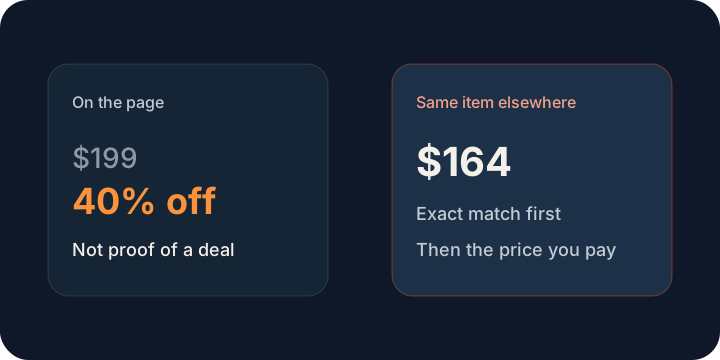
The banner is loud. The price check is quieter. A Black Friday price is a deal when the same item costs less somewhere else right now. A crossed-out number and a percent-off badge are the store talking about itself. They are not proof.
The tab you already have open
The banner says the sale ends tonight. The old price has a line through it. Your hand is already close to the button.
Then you look again. You never paid that crossed-out number. The badge is a story the store wrote about its own price. The only check that matters is whether this same item costs less somewhere else today.
The quieter minute
FairRobin starts from the page you are already on. Exact matches come first, then the price you would pay. If this page is the lowest, you can buy it and close the other tabs. If it is not, you see the gap before the countdown gets louder.
A smaller size, a different model, or a multi-pack is a different purchase. Shipping is unknown unless that store shows it. A code counts only when the page prints one. No store pays to be placed first.
If tonight is too soon
You can leave the tab and ask this computer to watch the price. Comparing the page is free. The item you watch stays here.
More from FairRobin
- FairRobin home
- About FairRobin
- FairRobin on the Chrome Web Store
- Privacy policy
- Price comparison app
- About FairRobin
- Best price tracker without affiliate links
- How to know if a price is actually a deal
- How price drop alerts work
- Price history in FairRobin
- Compare the same product at other stores
- When this page is already the cheapest
- Sponsored listings and price comparison
- Watch a price without an account
- Used and new are not the same price
- Shipping and tax in a price comparison
- A lookalike is not the same item
- When a discount code is real
- A price comparison that stays on your computer