
Shipping and tax in a price comparison
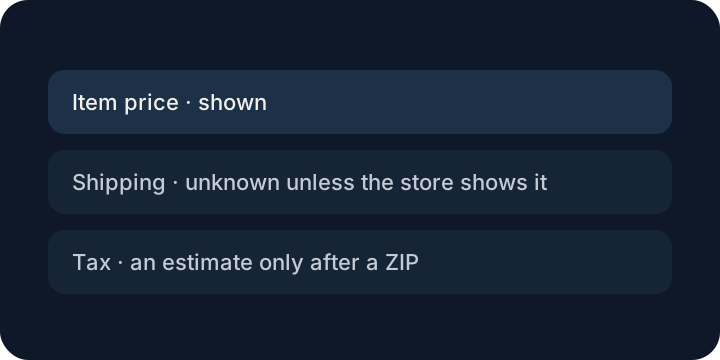
The last screen is where the total changes. The price you can compare is the item price. Shipping is unknown unless that store shows it. Tax is only an estimate after you add a ZIP. There is no pretend checkout total.
The cheap row at checkout
You picked the lower item price and felt finished. Then the shipping line appeared, or the tax, and the other store was suddenly the calmer one. That turn is normal. Inventing a shipping number earlier would only make the first choice a guess.
FairRobin stays with the item price. If you add a ZIP, tax is an estimate, and the store still calculates the real one when you pay.
The part you open the store for
Use the card to see which exact match is worth opening. Read shipping on that store's own page. A discount code comes along only when the page printed the code and the amount.
More from FairRobin
- FairRobin home
- About FairRobin
- FairRobin on the Chrome Web Store
- Privacy policy
- Price comparison app
- About FairRobin
- Best price tracker without affiliate links
- How to know if a price is actually a deal
- How price drop alerts work
- Price history in FairRobin
- How to check a Black Friday price
- Compare the same product at other stores
- When this page is already the cheapest
- Sponsored listings and price comparison
- Watch a price without an account
- Used and new are not the same price
- A lookalike is not the same item
- When a discount code is real
- A price comparison that stays on your computer